
Edit a CSV Upload
Edited
Navigate under the Payouts tab under Needs Approval
Click the ‘Upload CSV’ button
Upload your .csv document
Click into the cell that needs editing and make adjustments as needed
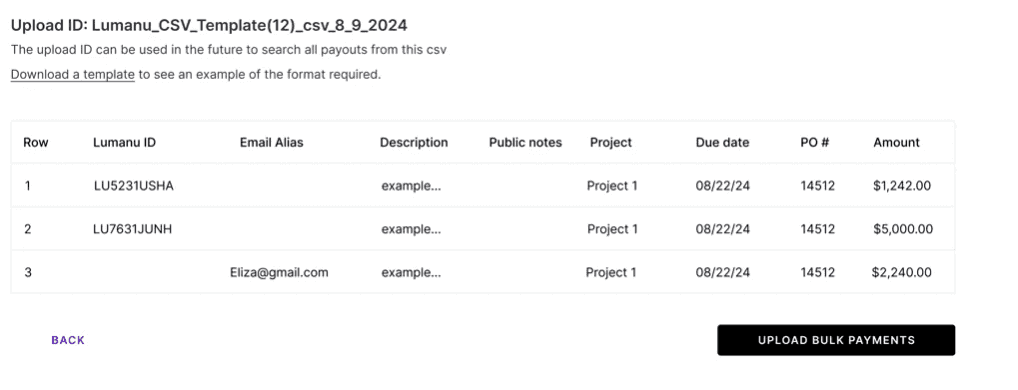
Select the ‘Upload bulk payments’ button.
Was this article helpful?
Sorry about that! Care to tell us more?