
Manage Your User Settings
Edited
Your user settings impact how your user appears to other users in your organization.
Click on the profile photo in the upper right corner and click 'My User Settings'
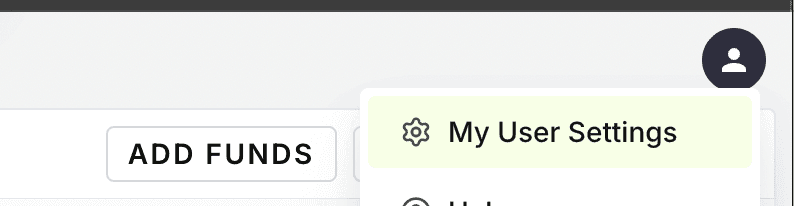
Under your User Settings, you can update:
Your user profile image
Your user name
Your password
Your 2-factor authentication settings
To update your user email or phone number, get in touch with support at support@lumanu.com.
3. Click the update button next to the item you'd like to adjust.
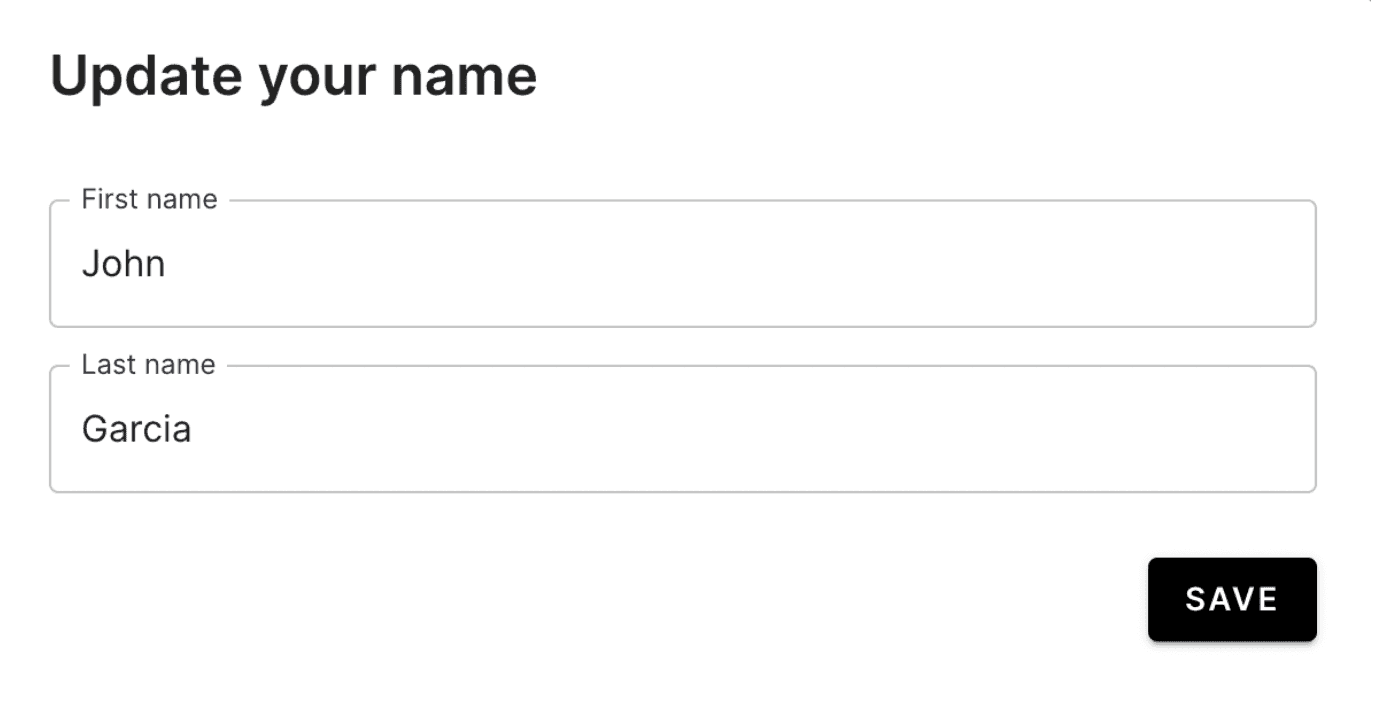
4. Click Save for your changes to be immediately reflected on your account.
Was this article helpful?
Sorry about that! Care to tell us more?